# How to run yCrash server as windows background service?
If you want to run our yCrash server application as a Windows service in the background, you can use NSSM, a tool that can be downloaded from https://nssm.cc/download (opens new window). The following steps can be taken to enable this feature:
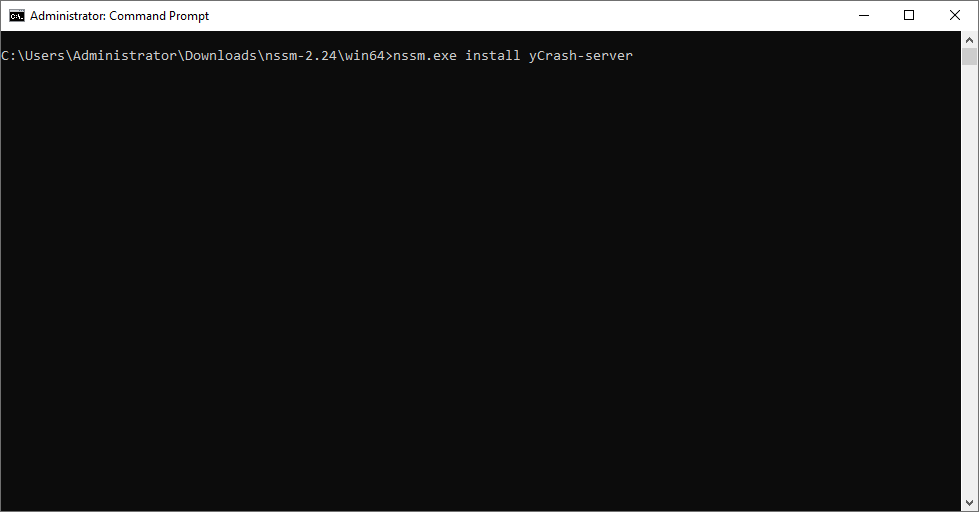
- Extract the files from the downloaded archive file and run the command "nssm install <service_name>".
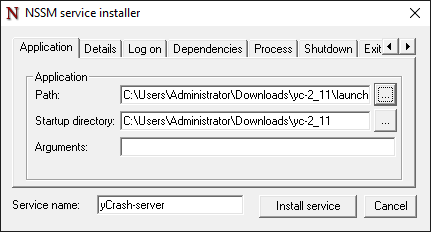
- Choose the path to the yCrash server application.
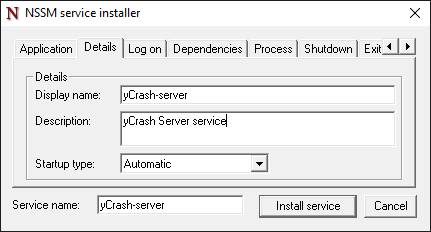
- Enter a Display Name and Description that will be visible under the Windows Services console.
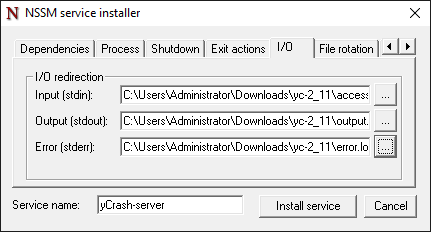
- Specify the path for application access.log, output.log, and error.log files (optional).
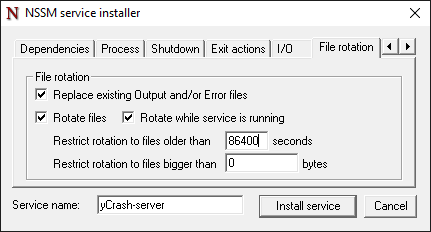
- Turn on log rotation options and configure them accordingly (optional).
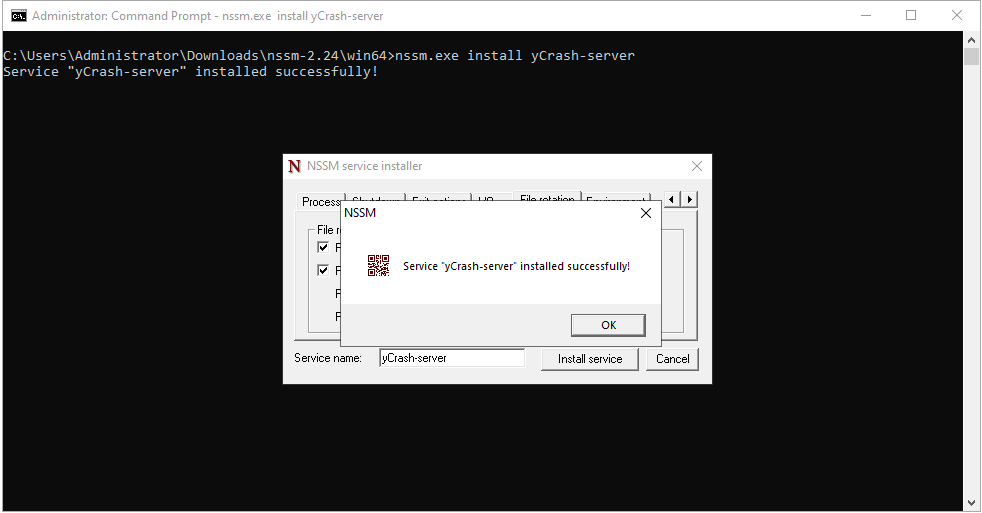
- Click on 'Install service'.
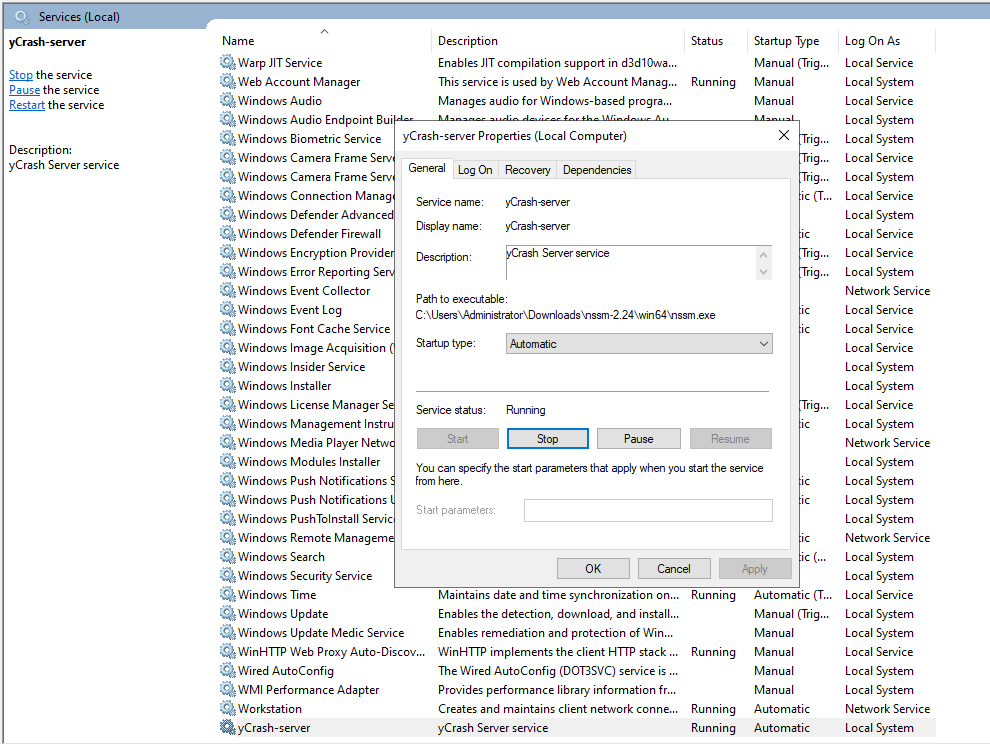
- The newly created service will appear under the Windows Service console and can be run in the background mode.
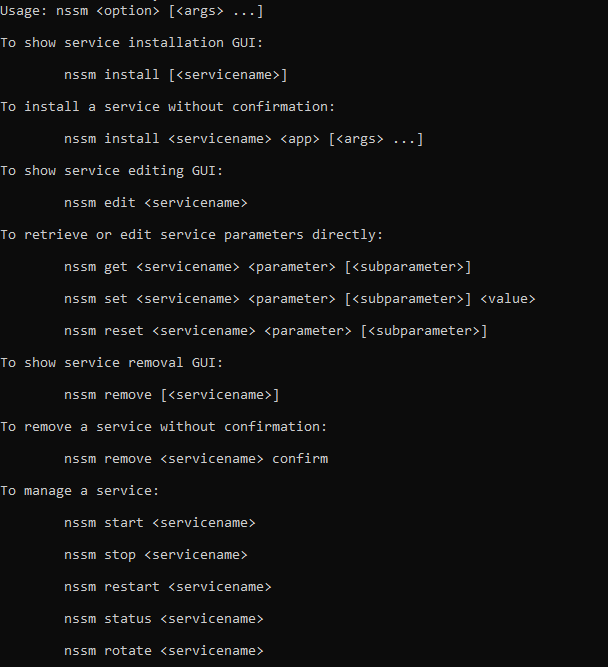
- To modify or remove the service, use the commands and respective arguments below.