
# How to update the account information?
You can update your personal information information on the account by following simple steps:
- Sign-in to your account.
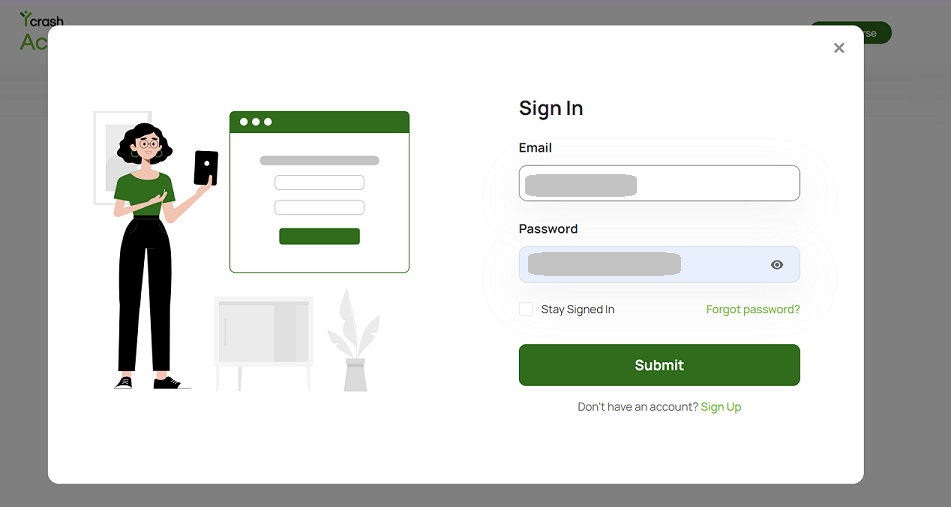
- Once you sign in, you will be taken to the yCrash Academy dashboard page. Locate the "Profile icon" in the header menu (top right corner) and select "Account Settings".

- You will be directed to the account settings page, where you can make changes to your name, password, and phone number associated with the account.
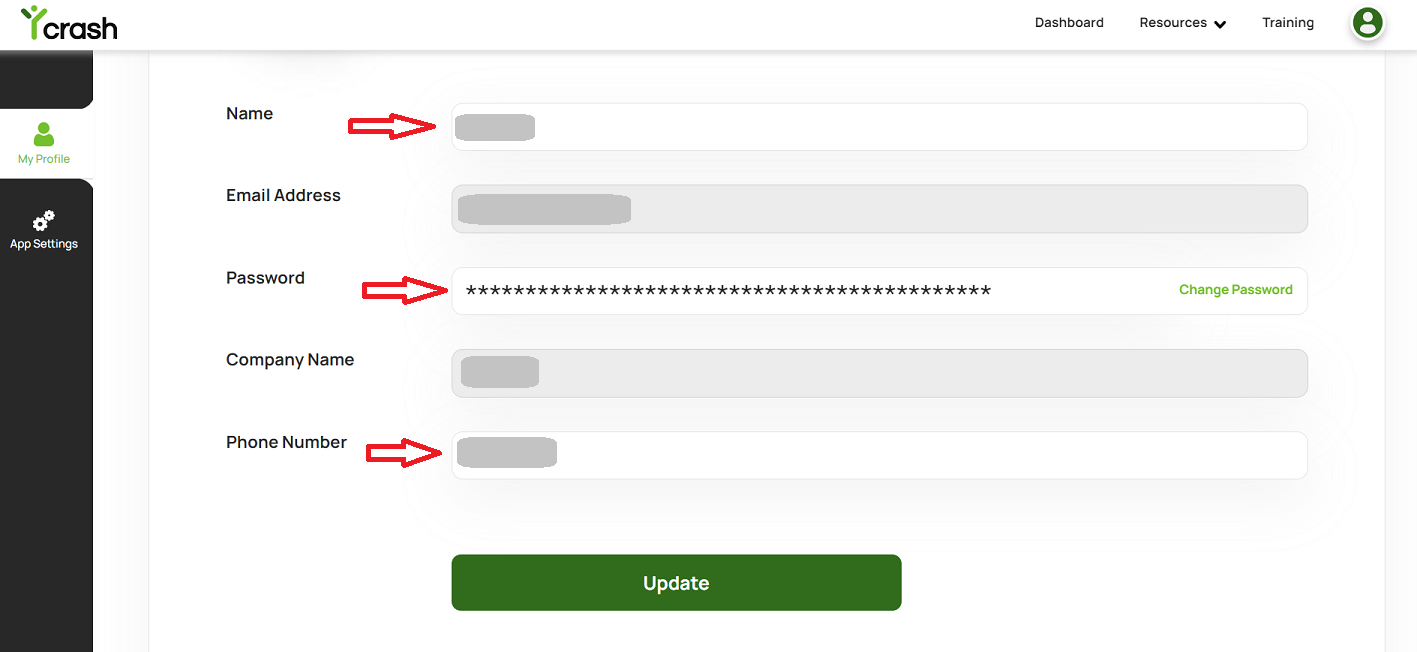
- Enter the new information in the respective fields and click on the "Update" button to save the changes.
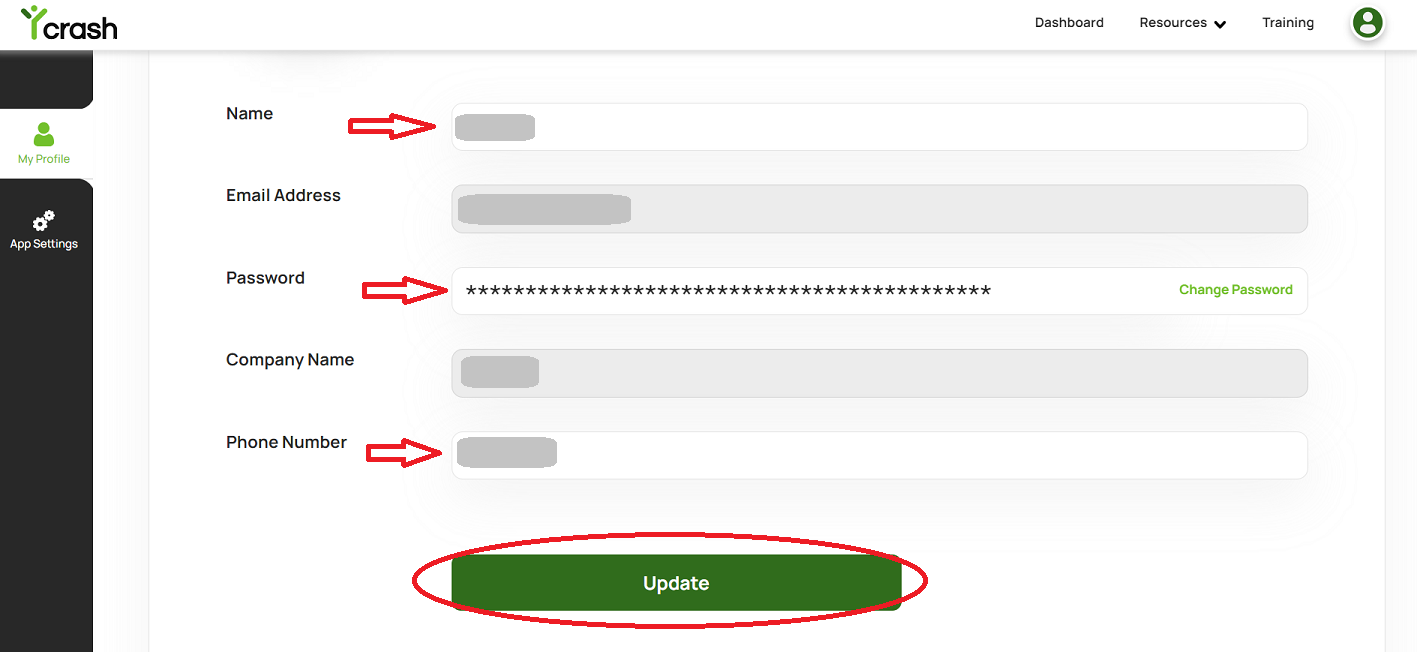
- You will see a confirmation message on the screen, indicating that your information has been successfully updated and take you back to the account settings page.
Congratulations! You have successfully updated your personal information on the account. If you need additional assistance, write to us at support@tier1app.com. We are here to help!