
# How to download the certificate?
Once you have completed the course, you will be able to get a certification for it. Please follow these simple steps to download certificate:
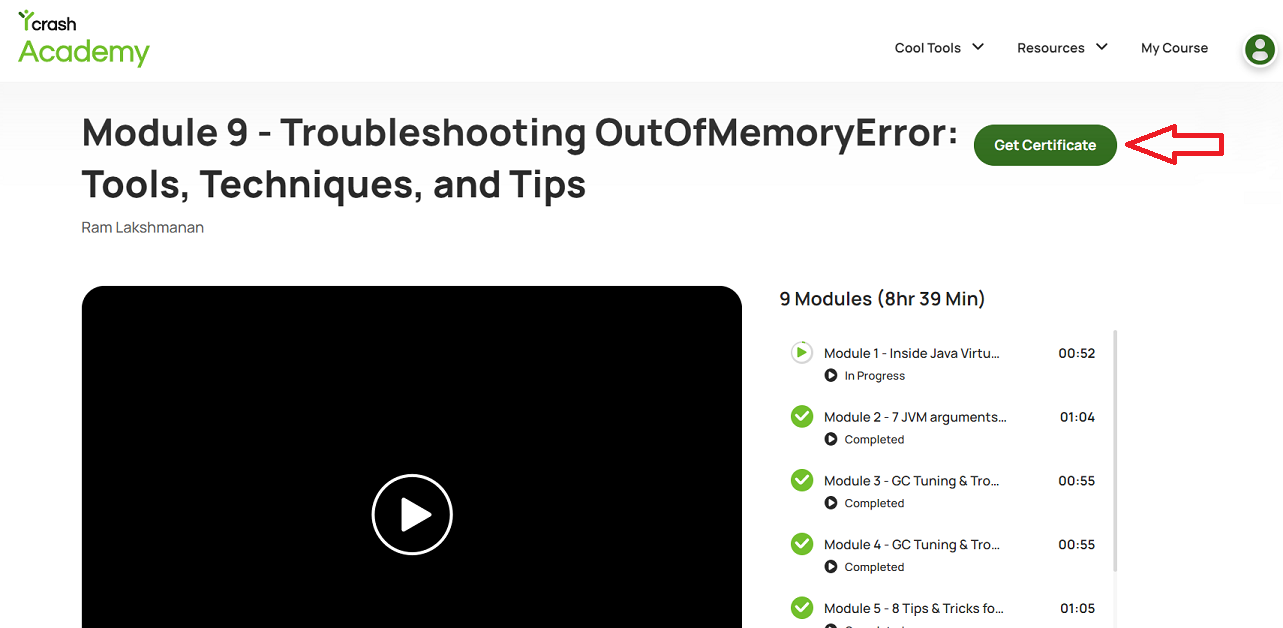
- Sign-in to your yCrash academy account and get to the course page. If you have successfully completed the course, you will notice that the "Get Certificate" button is enabled. Click on the "Get Certificate" button.
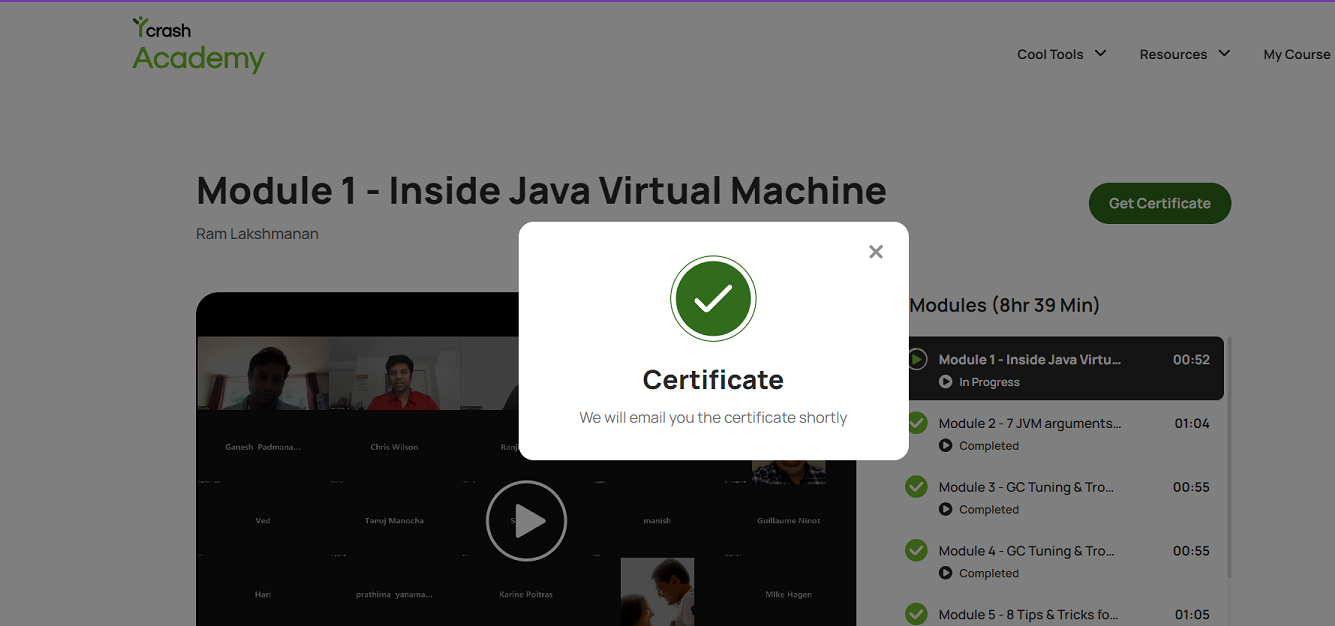
- You will see a confirmation message on screen, informing you that the certificate will be shared with you via email.
- Check your email for the certificate and download it from the email.
Note: If the course is not completed, the "Get Certificate" button will be grayed out and unavailable.
Congratulations! You have successfully completed the course and received your certification. If you need additional assistance, write to us at support@tier1app.com. We are here to help!