
# How to share your certificate on LinkedIn?
You can also share the certification that you received during course completion on LinkedIn by following these simple steps:
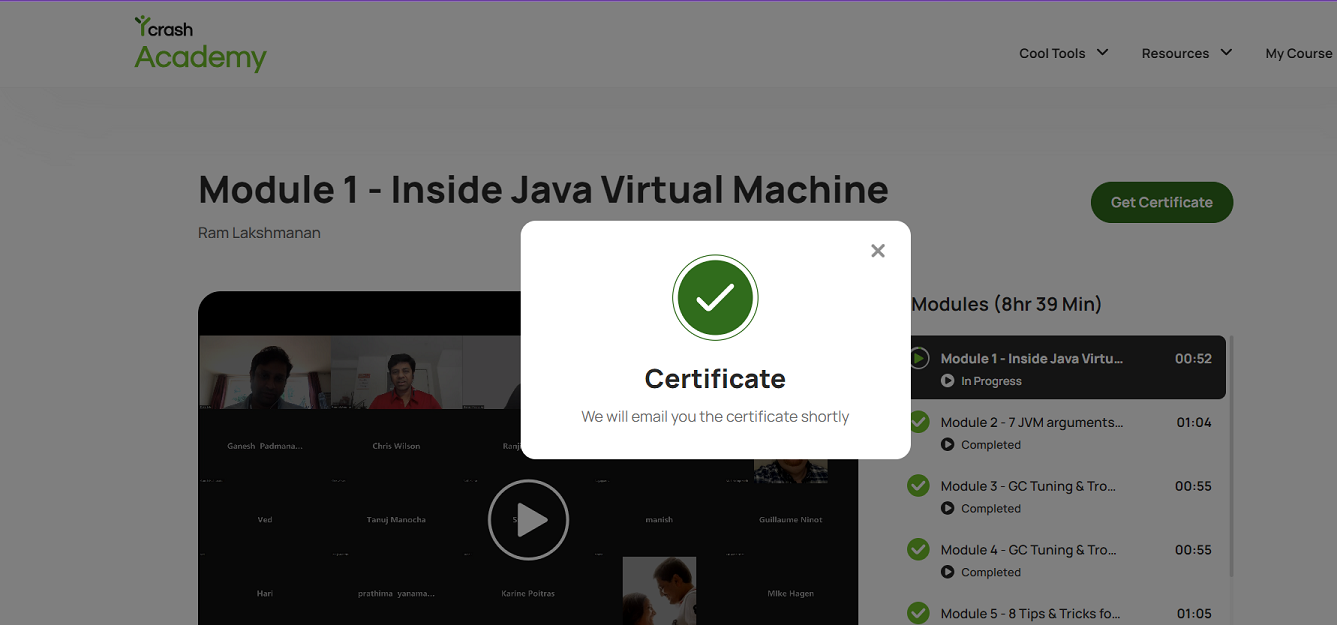
- Once you complete the course, click on the "Get Certificate" button on your course page. This will initiate the certificate delivery process via email.
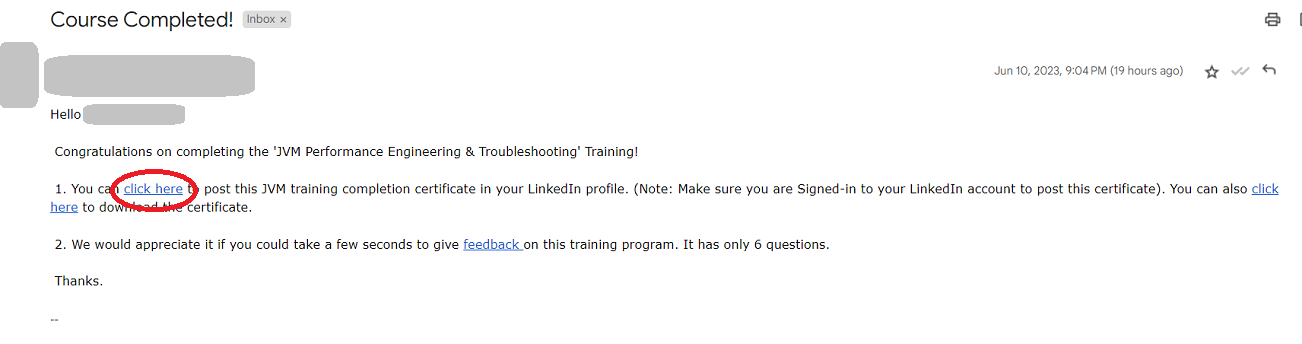
- Check your email for the certificate email. Inside the email, you will find a link to share the certificate on LinkedIn. Make sure you are logged in to your LinkedIn account before proceeding.
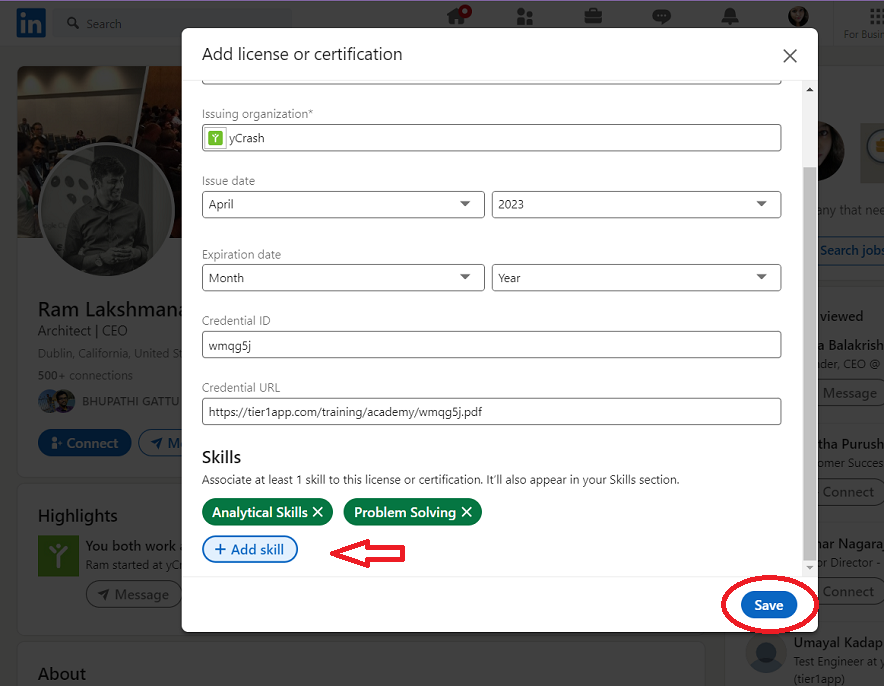
- When you click on the link a pop-up will appear. Add the certificate and relevant skills, then click "Save".
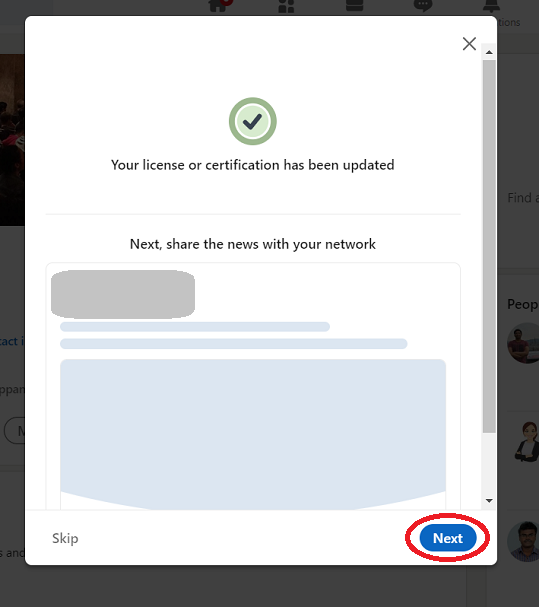
- You will now see another pop-up indicating that the certification has been successfully updated on your LinkedIn profile. Click on "Next" to proceed with sharing it on your profile.
- You will be redirected to a different screen where you can post the certificate on your LinkedIn profile. Click on the "Post" button to finalize the sharing process.

Congratulations! You have now successfully shared your JVM Performance Engineering and Troubleshooting certificate from yCrash on LinkedIn. If you need additional assistance, write to us at support@tier1app.com. We are here to help!