
# How to download my subscription invoice?
You can download your invoices from your account. Please follow these simple steps to get them done:
- Sign-in to your fastThread account
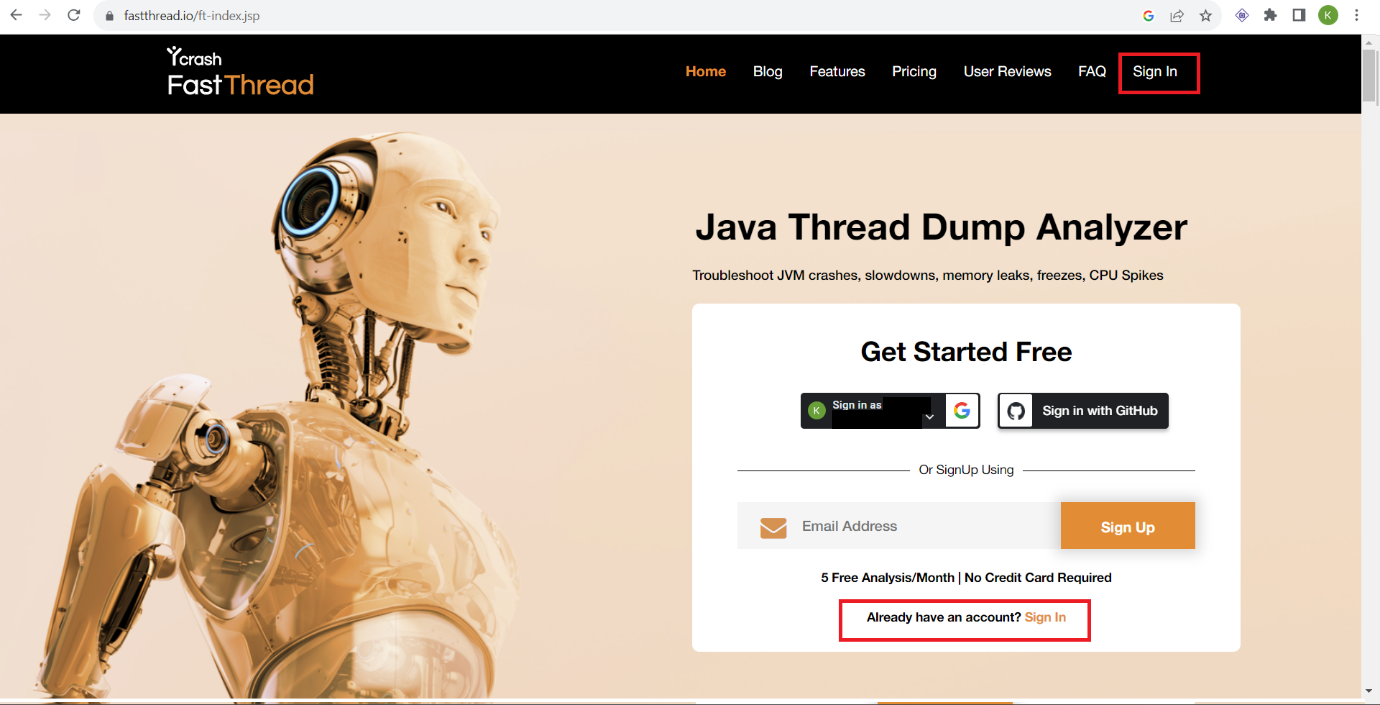
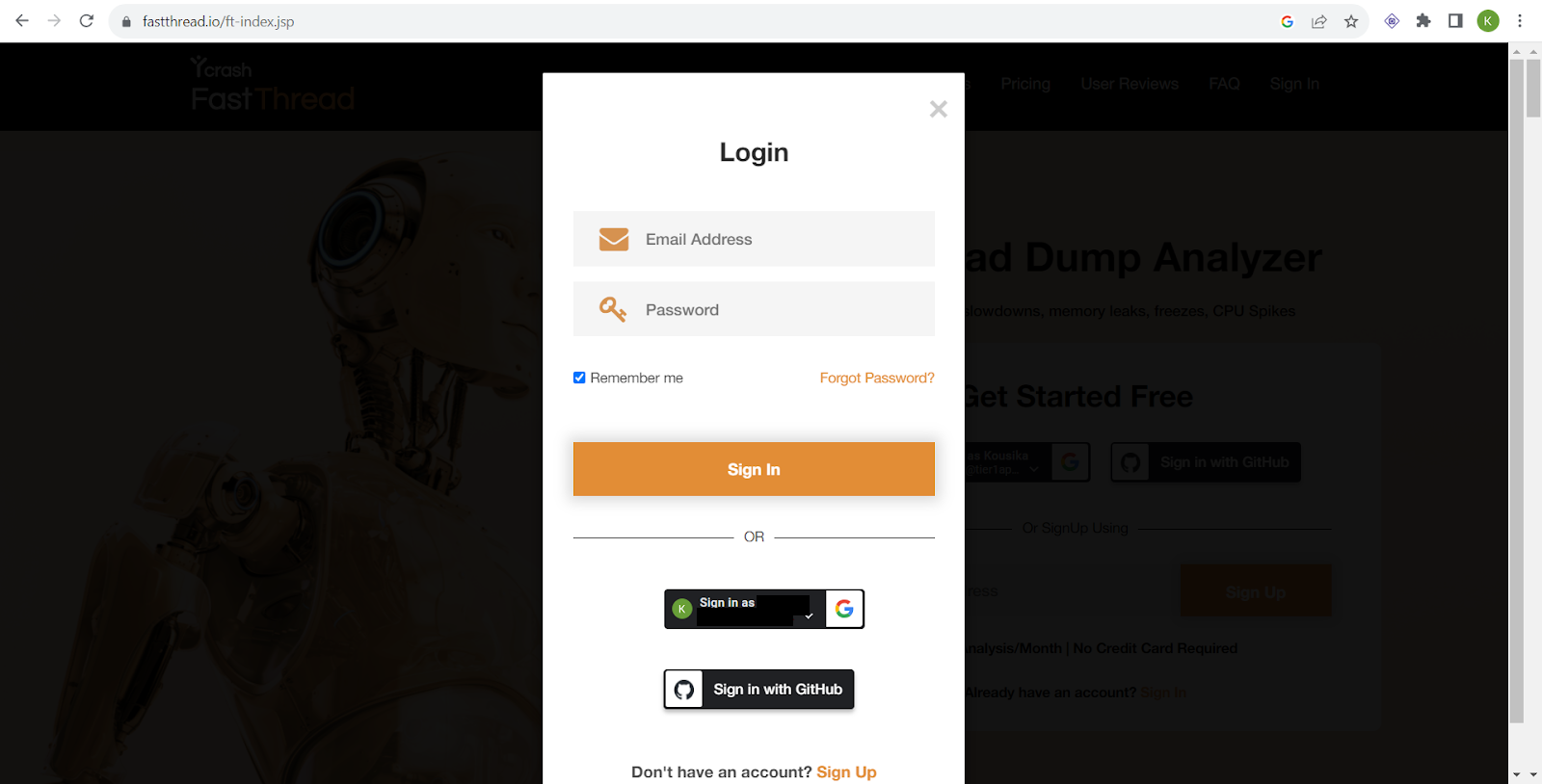
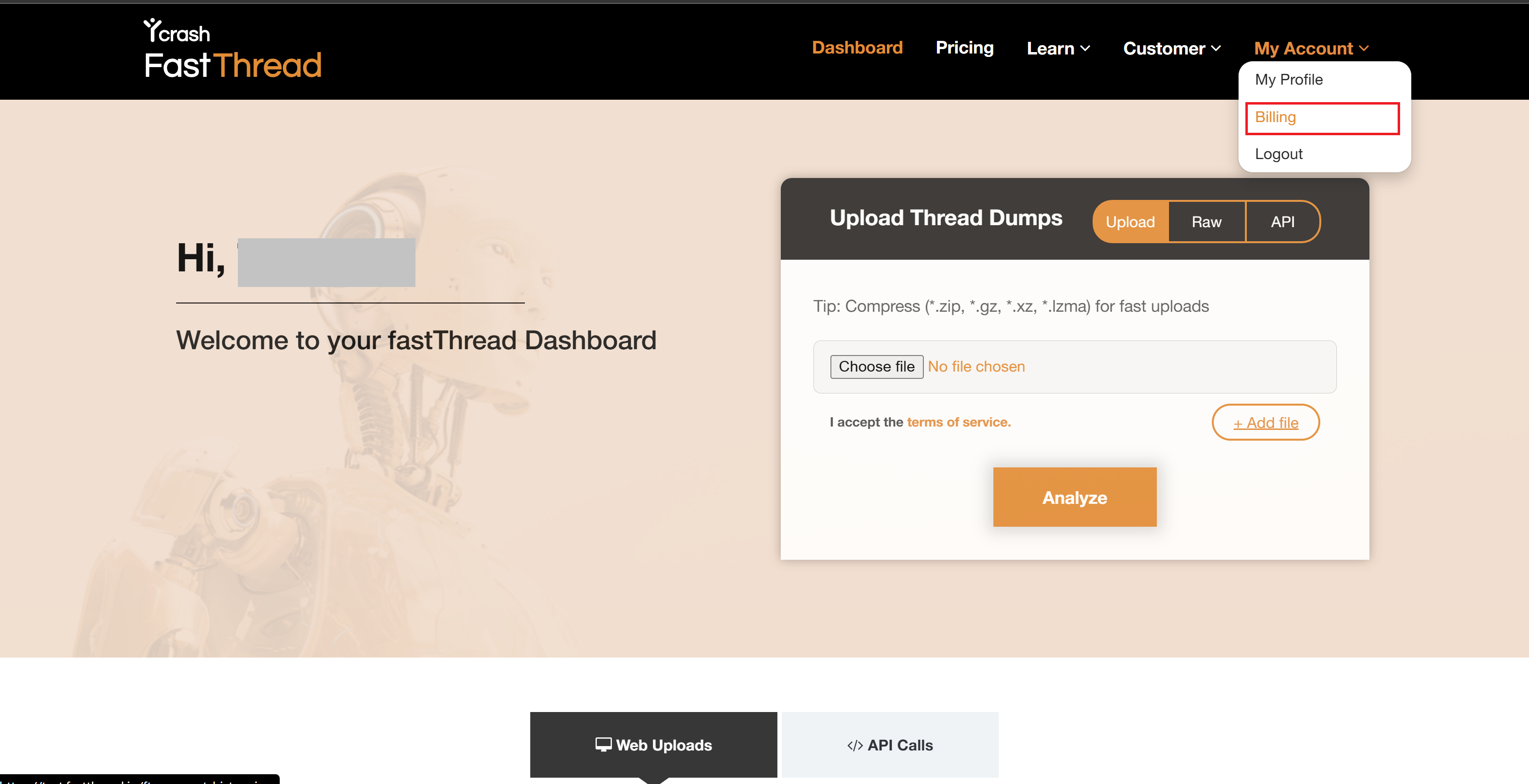
- Once you sign in, it will take you to the fastThread dashboard page. On the dashboard page, click on 'My account' dropdown in the header menu (top right corner) and click on the "Billing" menu item.
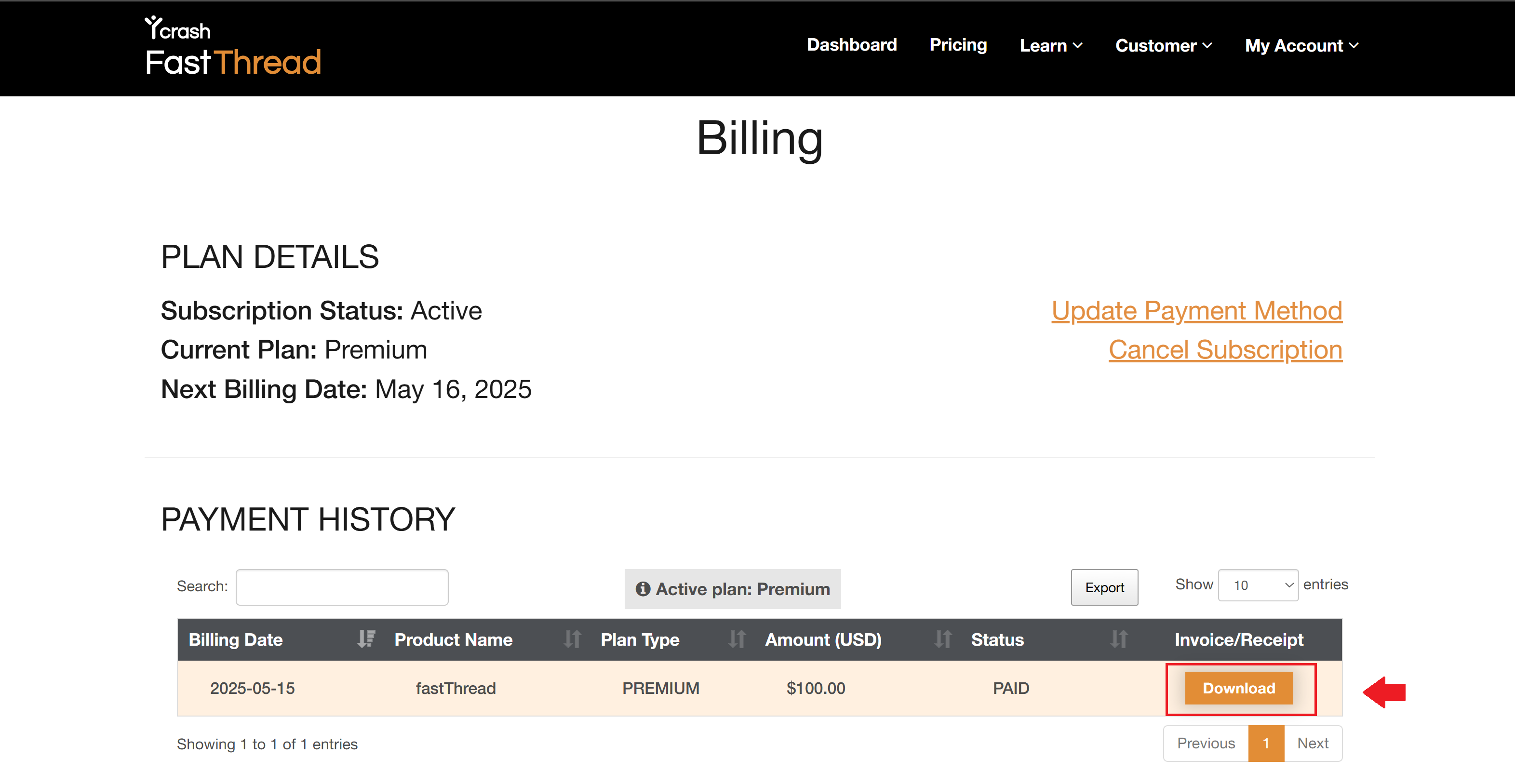
- It will take you to the Billing page. On this page, you will see all the invoices with a "Download" button. Click on it to download your invoice(s).
We hope this article helped. If you need additional assistance, write to us at support@tier1app.com