
# How to cancel fastThread Premium Subscription?
You can manually cancel a fastThread subscription from your account. It involves these simple steps:
- Sign-in to your fastThread account.
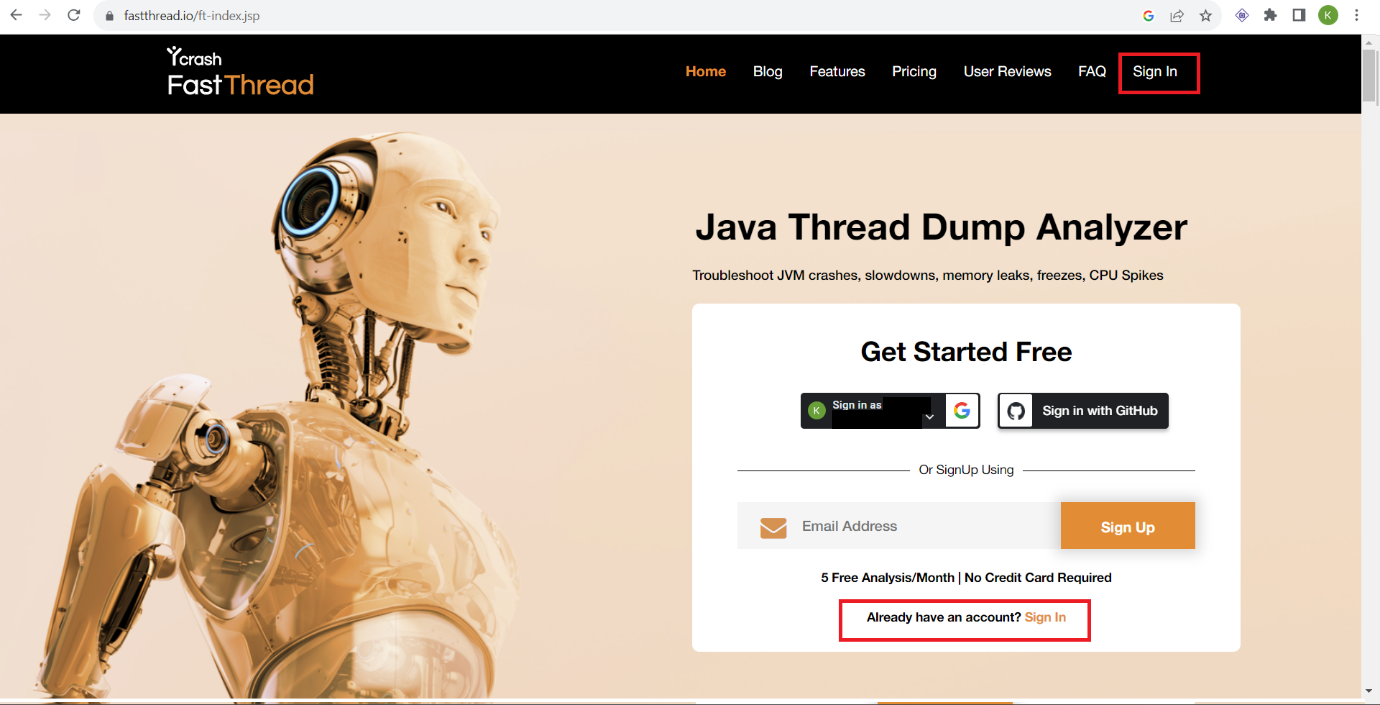
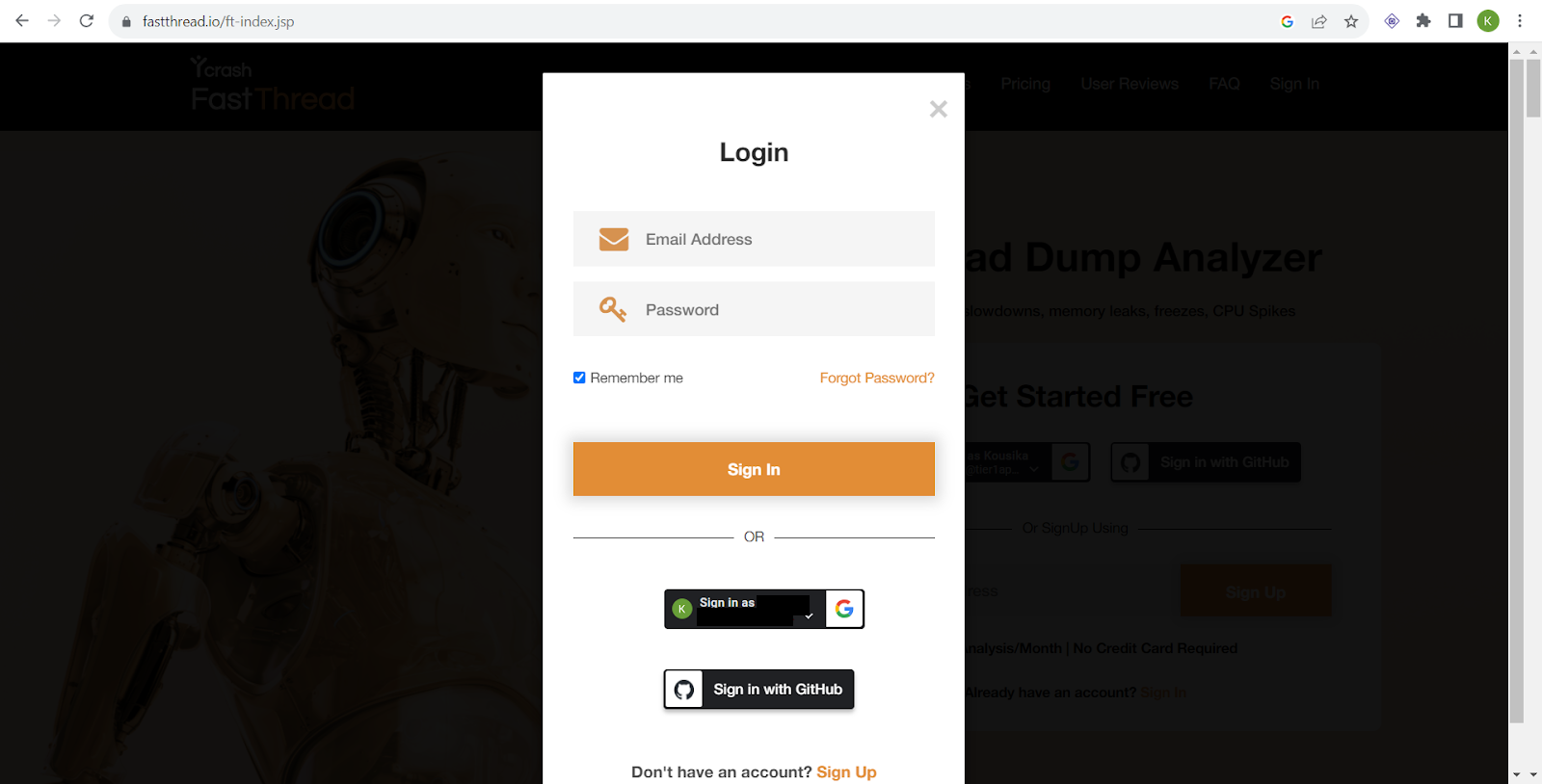
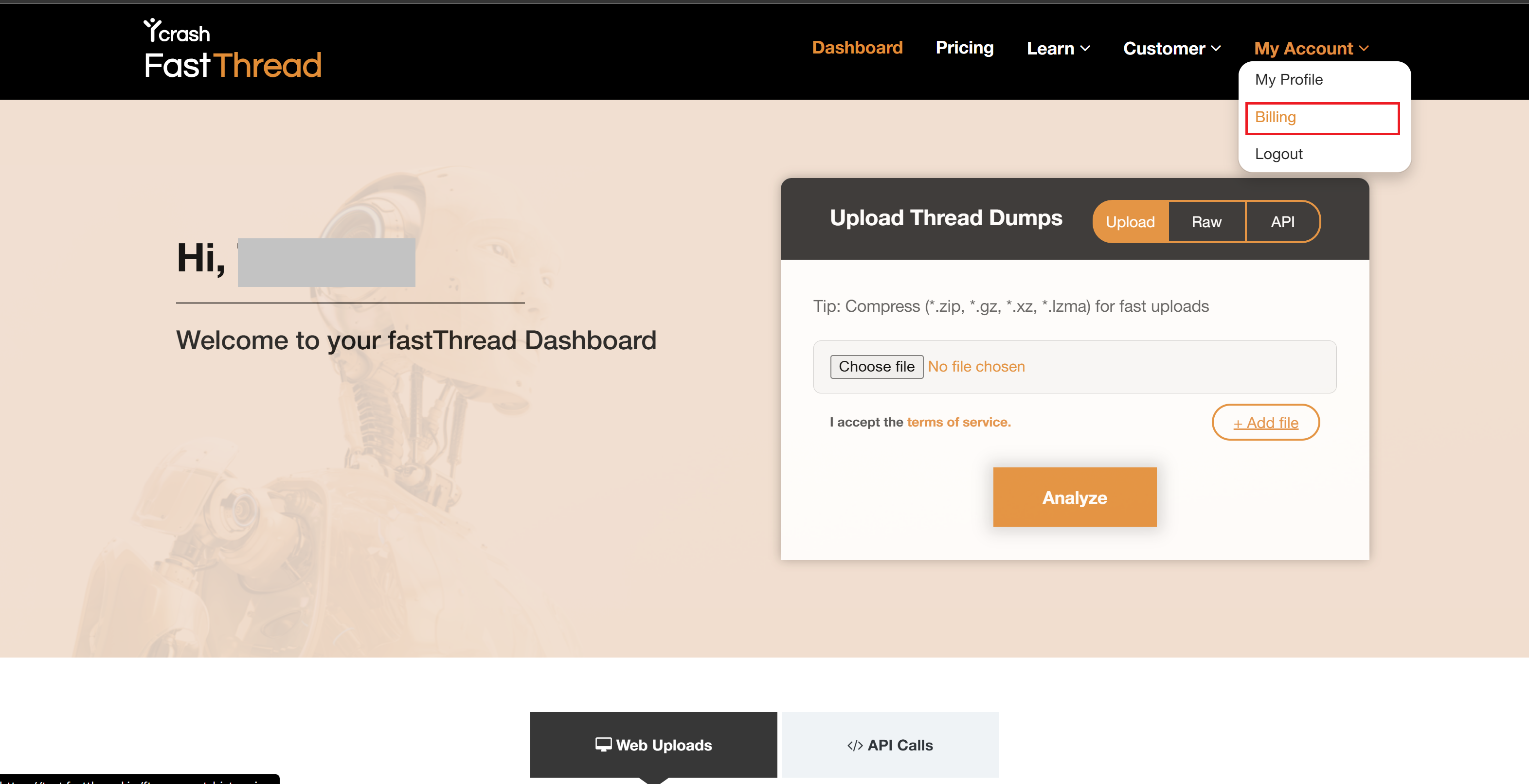
- Once you sign in, it will take you to the fastThread dashboard page. On the dashboard page, click on 'My account' dropdown in the header menu (top right corner) and click on the "Billing" menu item.
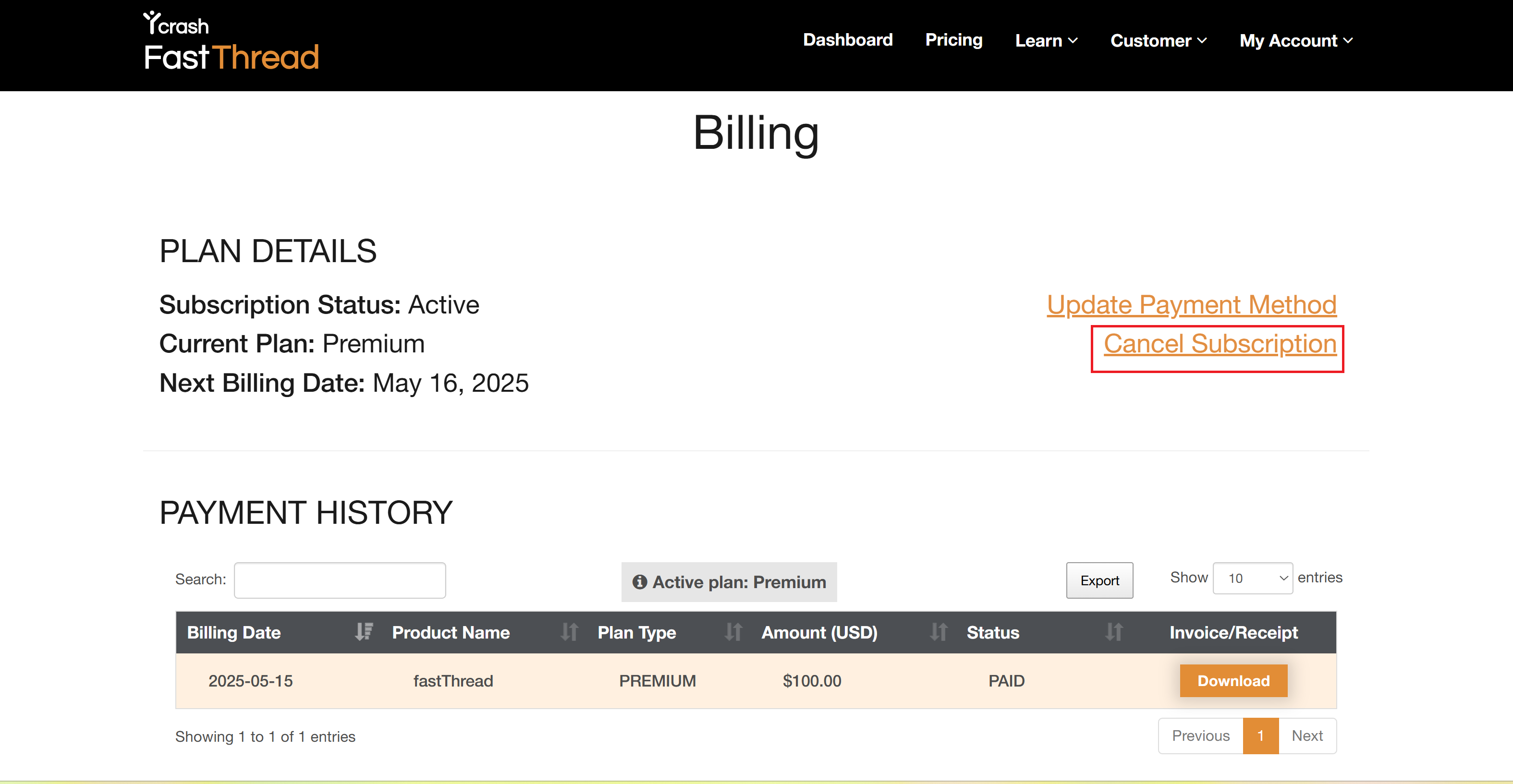
- It will take you to the billing page. On this page, click on the "Cancel Subscription" link
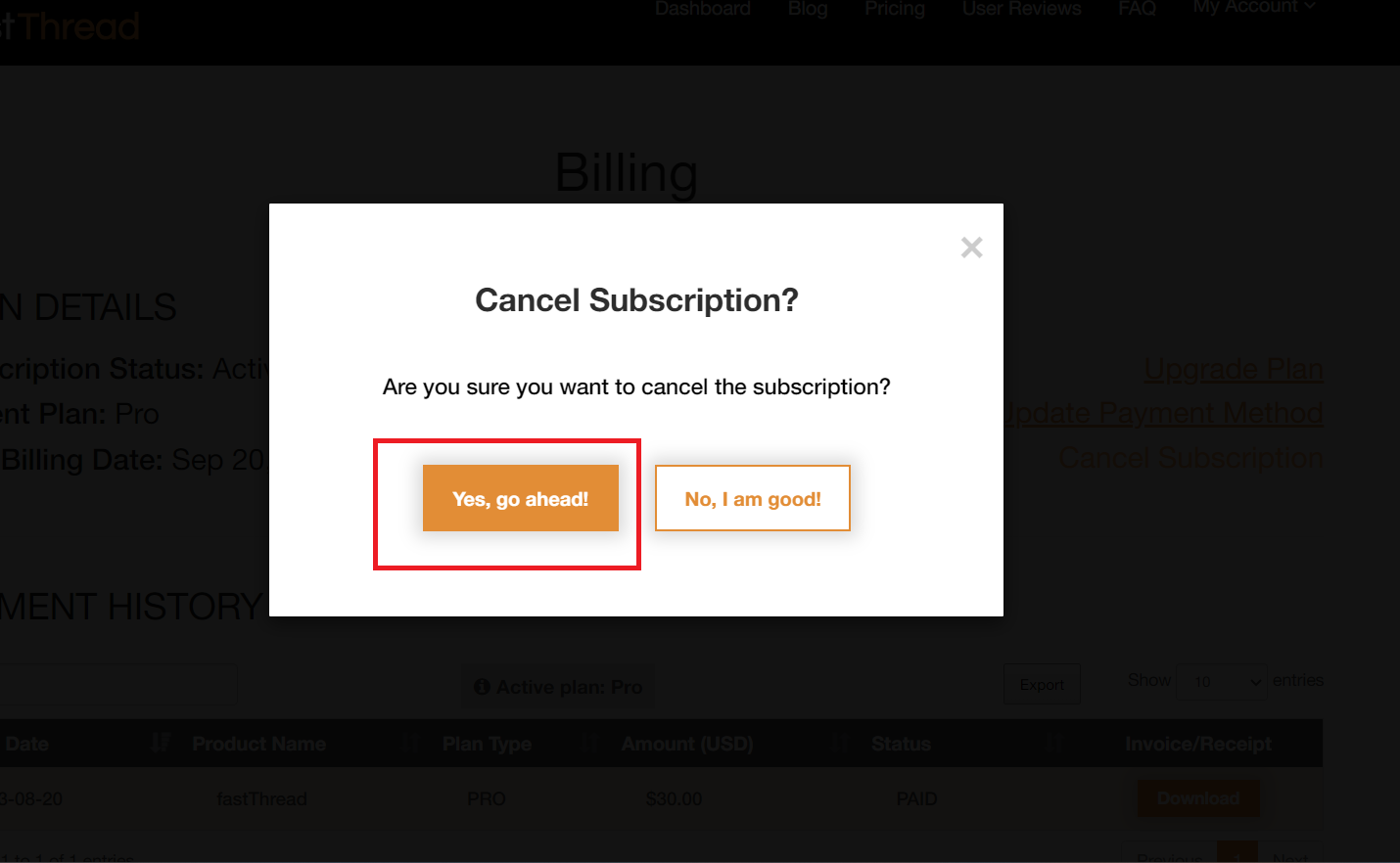
- You will be prompted with a confirmation popup message. Click on the "Yes, go ahead!" button.
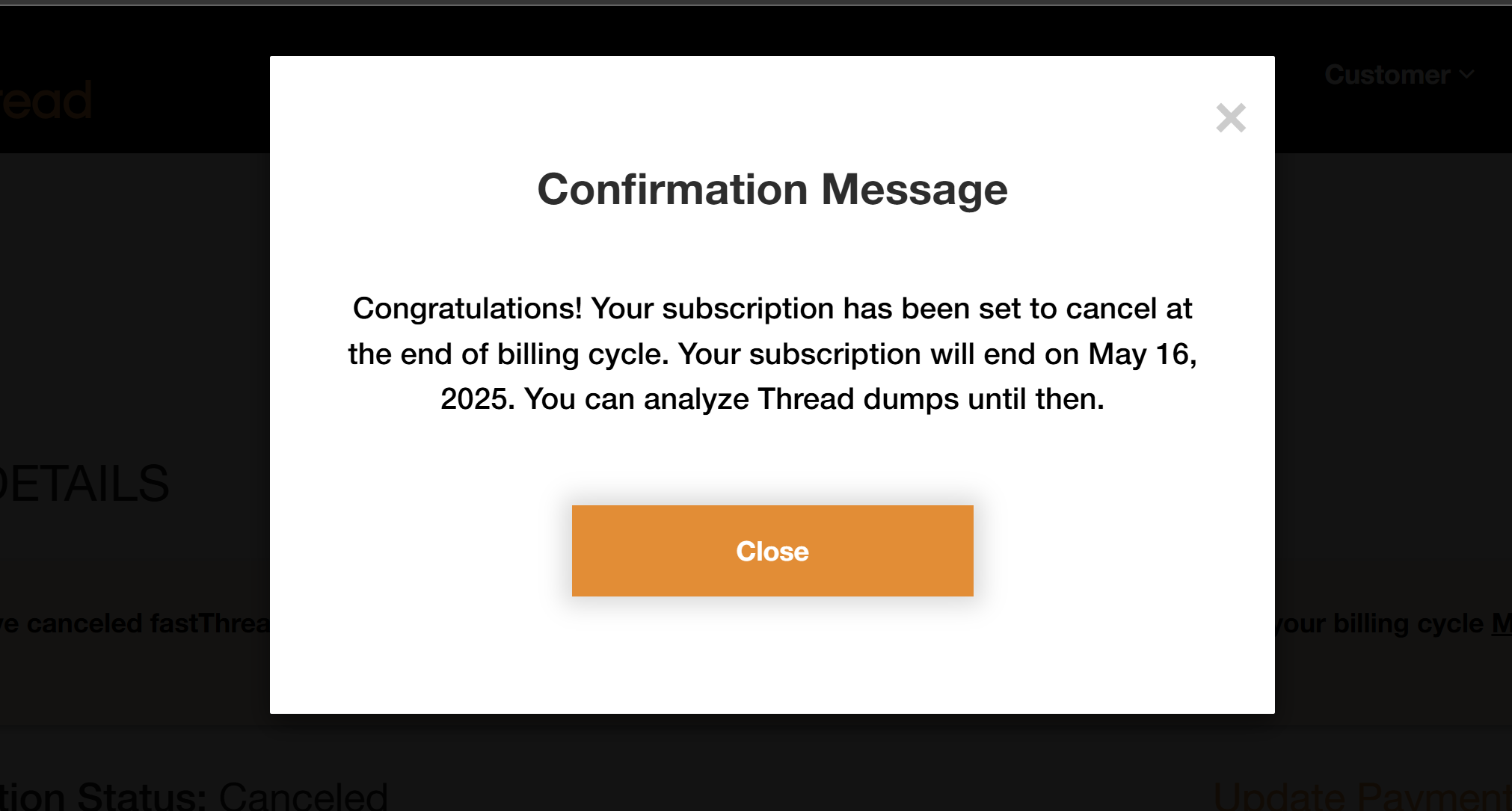
- Now your subscription is canceled successfully. You will see the cancellation confirmation message.
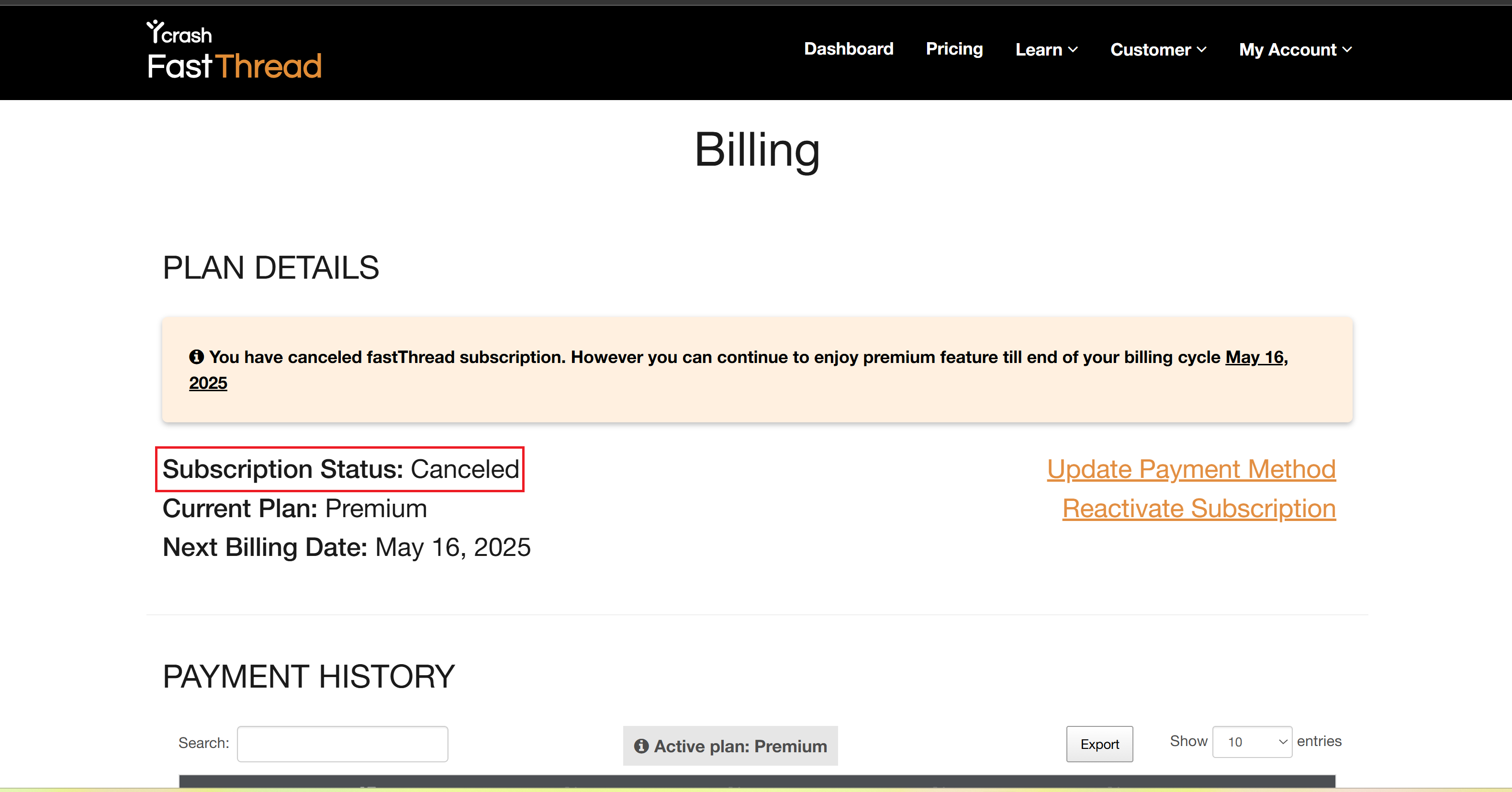
- You will also see the canceled status on the Billing page.
You have now successfully canceled the subscription. If you need additional assistance, write to us at support@tier1app.com